Go get and install pygame from http://www.pygame.org/download.shtml
If you're on Windows choose the MSI file that matches the version of Python you run, e.g.
pygame-1.9.1.win32-py2.7.msi if you are running Python
2.7.x
Executing it should install pygame.
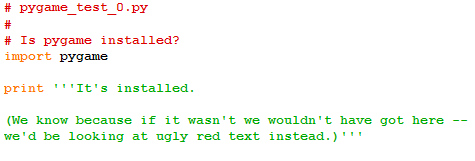
You can check that pygame has been properly installed by running pygame_test_0.py: